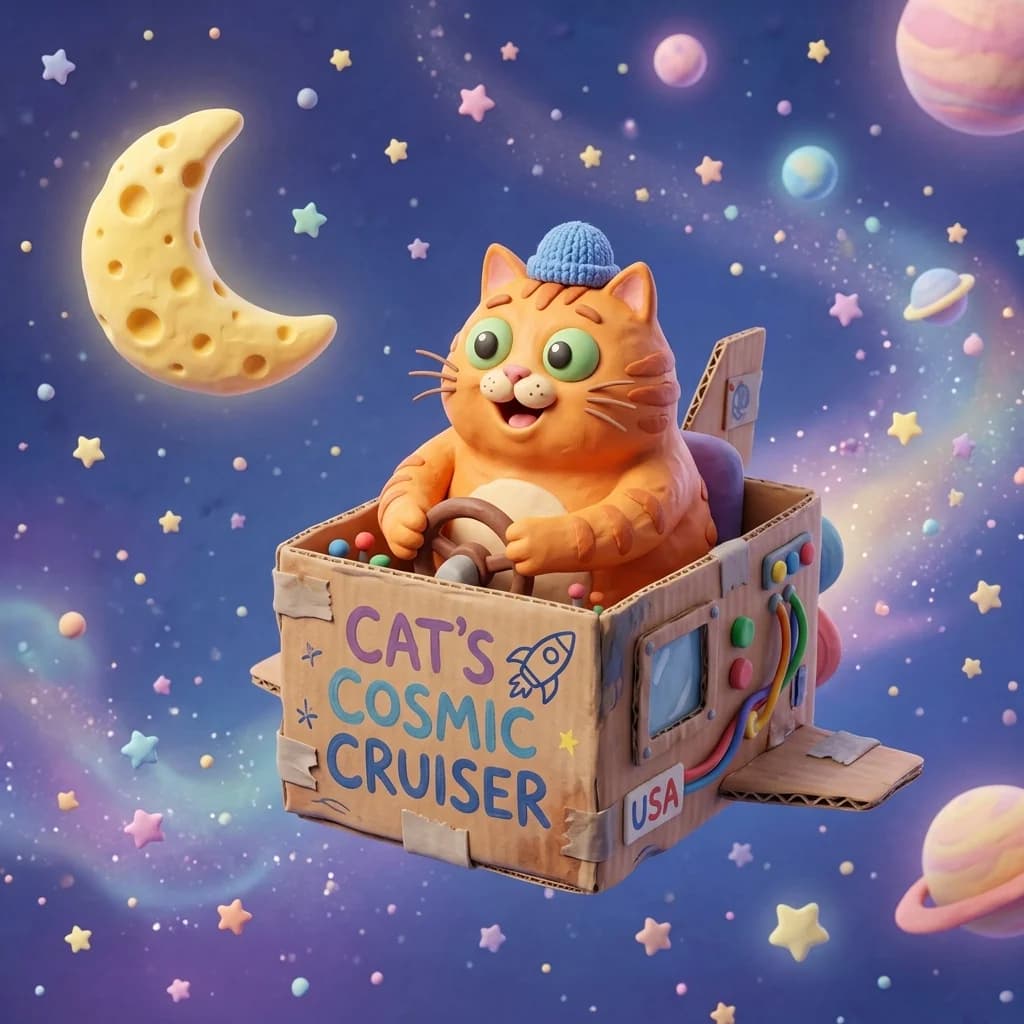
The Consistency Problem in AI Art
One of the biggest hurdles for cartoon creators using AI is character consistency. You generate a beautiful cat astronaut in one prompt, but in the next scene, the cat has different markings, a different space suit, or a different style. Fortunately, Midjourney has added powerful tools to resolve this.
1. Leveraging the Character Reference (--cref) Tag
The --cref parameter allows you to point Midjourney to a reference URL of your original character image. The engine tries to match the face, hair, and clothing in subsequent generations.
/prompt a cartoon cat driving a sports car --cref [URL_TO_YOUR_ORIGINAL_CAT] --cw 100The --cw (character weight) parameter goes from 0 to 100. A weight of 100 copies the face, hair, and clothes. A weight of 0 focuses only on the face, which is perfect if you want to put the same character in different outfits!
2. Designing Character Sheets First
Before writing your script, generate a "character sheet" showing your character from multiple angles. Use terms like: "character sheet, multiple poses, expression sheet, front view, profile view, 2D vector style". Once you find a sheet you like, crop individual poses and use those as references for higher accuracy.
3. Keep Styles Locked with Style Reference (--sref)
To ensure your backgrounds and other characters share the exact same creamy cartoon aesthetic, use the --sref parameter. Point it to your styled backdrop or theme image to lock down the color palette and stroke weights.